How To Reset Bose Quietcomfort Headphones: Quick Fix
Power off, forget Bluetooth, then hold the power button for 10–20 seconds to factory reset.
I’ve spent years fixing audio gear and troubleshooting Bose headphones. In this guide I’ll walk you through clear, safe steps on how to reset Bose QuietComfort headphones. You’ll get simple restarts, Bluetooth forget steps, factory-reset methods that cover most QuietComfort models, app-based resets, and quick troubleshooting tips. Read on to fix pairing problems, audio glitches, or settings that won’t stick.
Why reset your Bose QuietComfort headphones?
Resetting often fixes common issues fast. It solves pairing errors, low audio, stuck ANC modes, and unresponsive buttons. A reset clears Bluetooth history and returns many settings to default. That makes it a good first fix before service or replacement.

Before you reset: quick checks to try first
Try these steps first. They are safer and often solve the issue without a full reset.
- Power cycle the headphones by turning them off, waiting 30 seconds, and turning them on again.
- Forget the headphones in your phone or laptop Bluetooth settings and then pair again.
- Charge the battery fully for at least 30 minutes and test again.
- Update firmware using the Bose Music or Bose Connect app when available.
These small steps fix many problems and avoid losing custom settings when you reset.
How to reset Bose QuietComfort headphones — step-by-step
Below are general, reliable methods for how to reset Bose QuietComfort headphones. Try them in order from least to most disruptive.
Soft reset (safe, fast)
- Turn the headphones off.
- Wait 30 seconds.
- Turn them back on and reconnect to your device.
This removes temporary bugs without losing settings.
Bluetooth forget and repair (common fix)
- On your phone or computer, forget or remove the Bose QuietComfort entry from Bluetooth.
- Turn headphones off and on again.
- Put the headphones into pairing mode and pair fresh.
This clears pairing conflicts and stale connections.
Factory reset via power button (most models)
- Turn the headphones off.
- Press and hold the power button for 10–20 seconds.
- Release when a voice prompt or LED indicates reset or pairing list cleared.
- Re-pair the headphones to your device.
This clears saved devices and returns many settings to defaults. It’s the standard approach for how to reset Bose QuietComfort headphones.
Reset via app (QC45 and some newer models)
- Open the Bose Music or Bose Connect app.
- Go to device settings for your QuietComfort model.
- Choose the option to restore defaults or factory reset, if shown.
- Follow on-screen prompts and re-pair.
App-based resets are clean and guided. They also allow firmware checks after the reset.
True wireless earbud reset (if you have QuietComfort Earbuds)
- Place both earbuds in the charging case.
- Close the lid, wait 30 seconds, then open the lid.
- In some models, press and hold the case button for 10 seconds to reset.
- Remove earbuds and pair them again.
Check the app for a precise reset flow for your earbuds.
If a single method does not work, try the next option above. Always pair again after any reset. This step-by-step section covers the main ways people ask how to reset Bose QuietComfort headphones.
Model-specific notes and differences
Many QuietComfort models share similar reset ideas. Still, the exact button press or app option can vary by model.
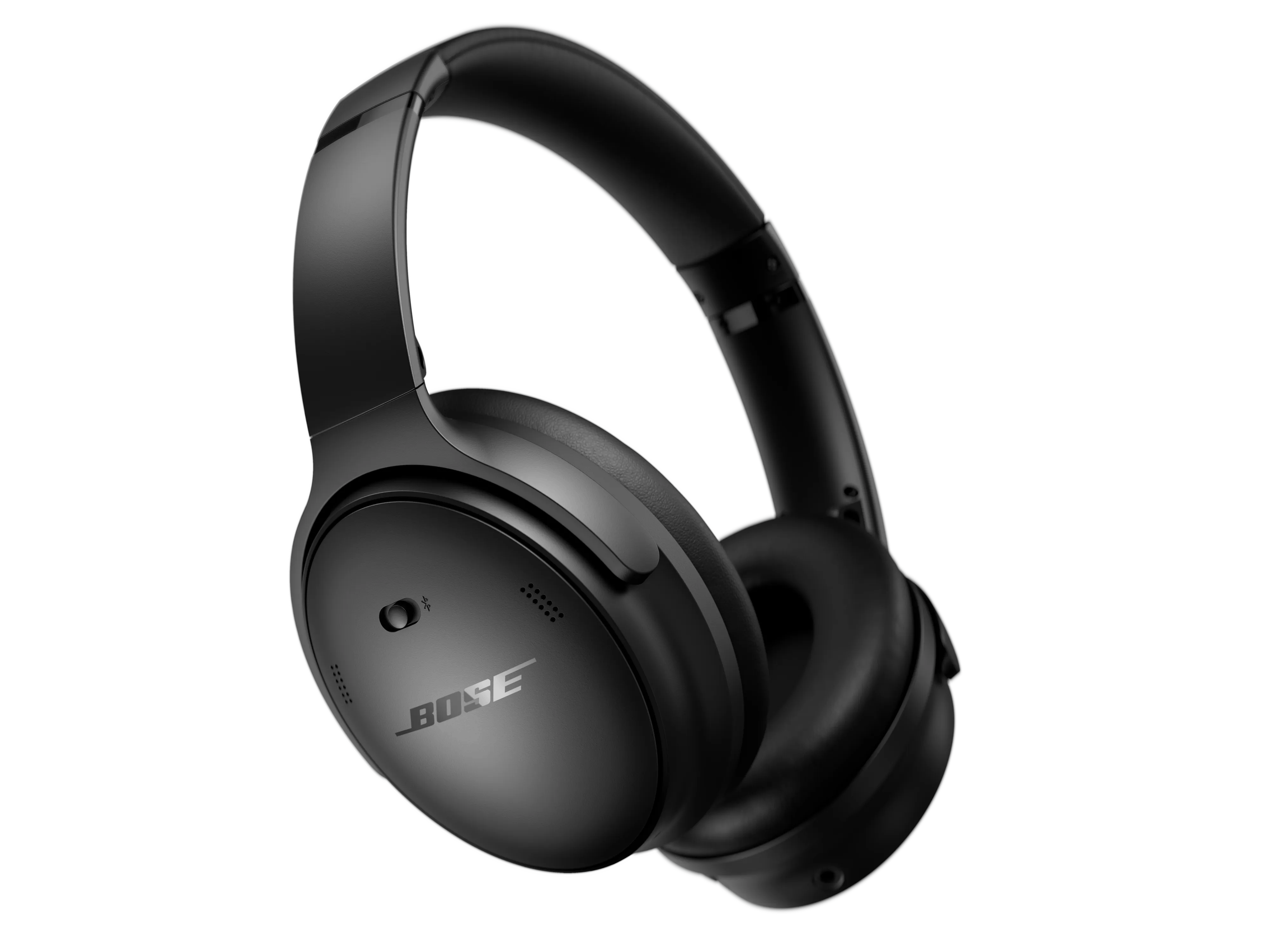
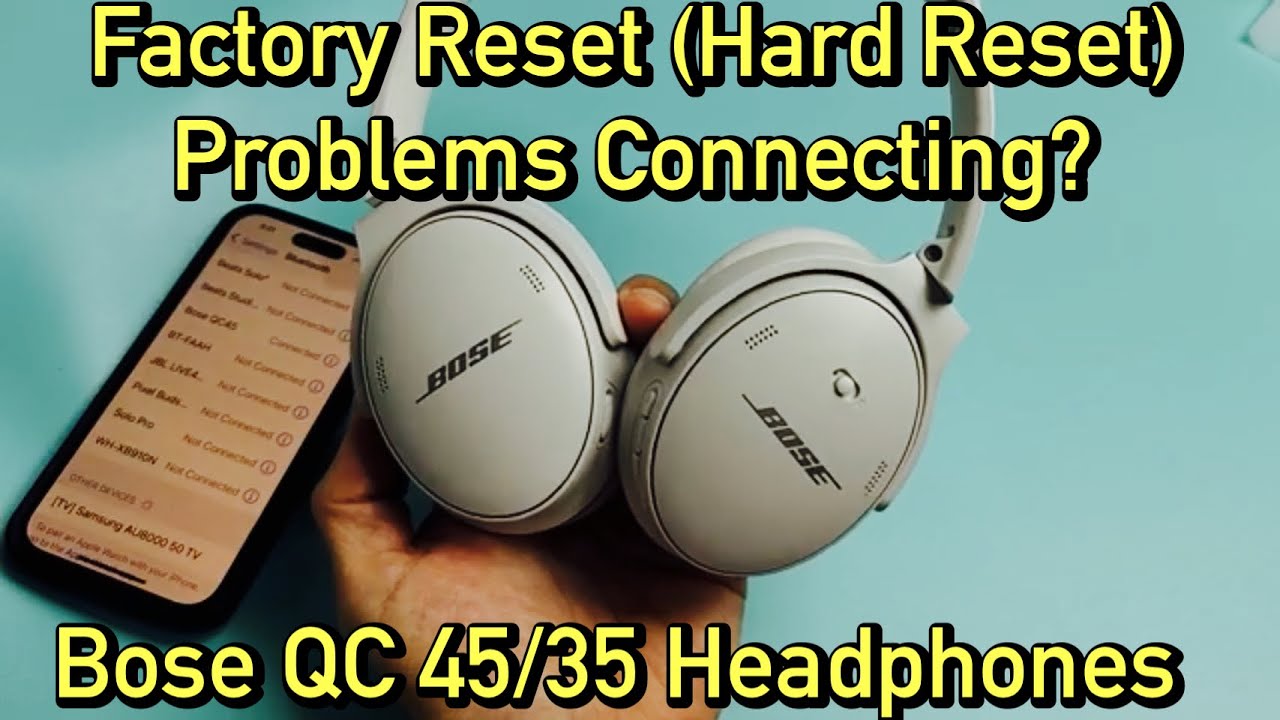
- QuietComfort 35 and 35 II: The hold-power-button factory reset for about 10 seconds commonly clears the Bluetooth list and settings.
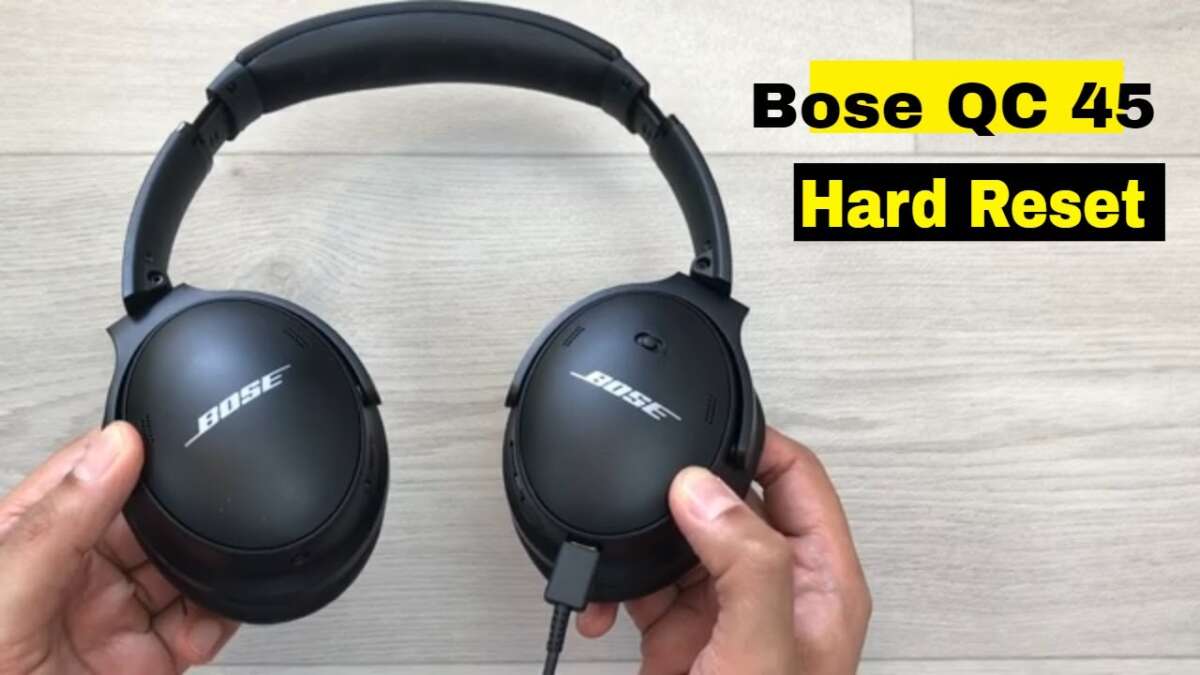
- QuietComfort 45: The Bose Music app often manages resets and firmware updates; a long power-button hold may also clear pairings.
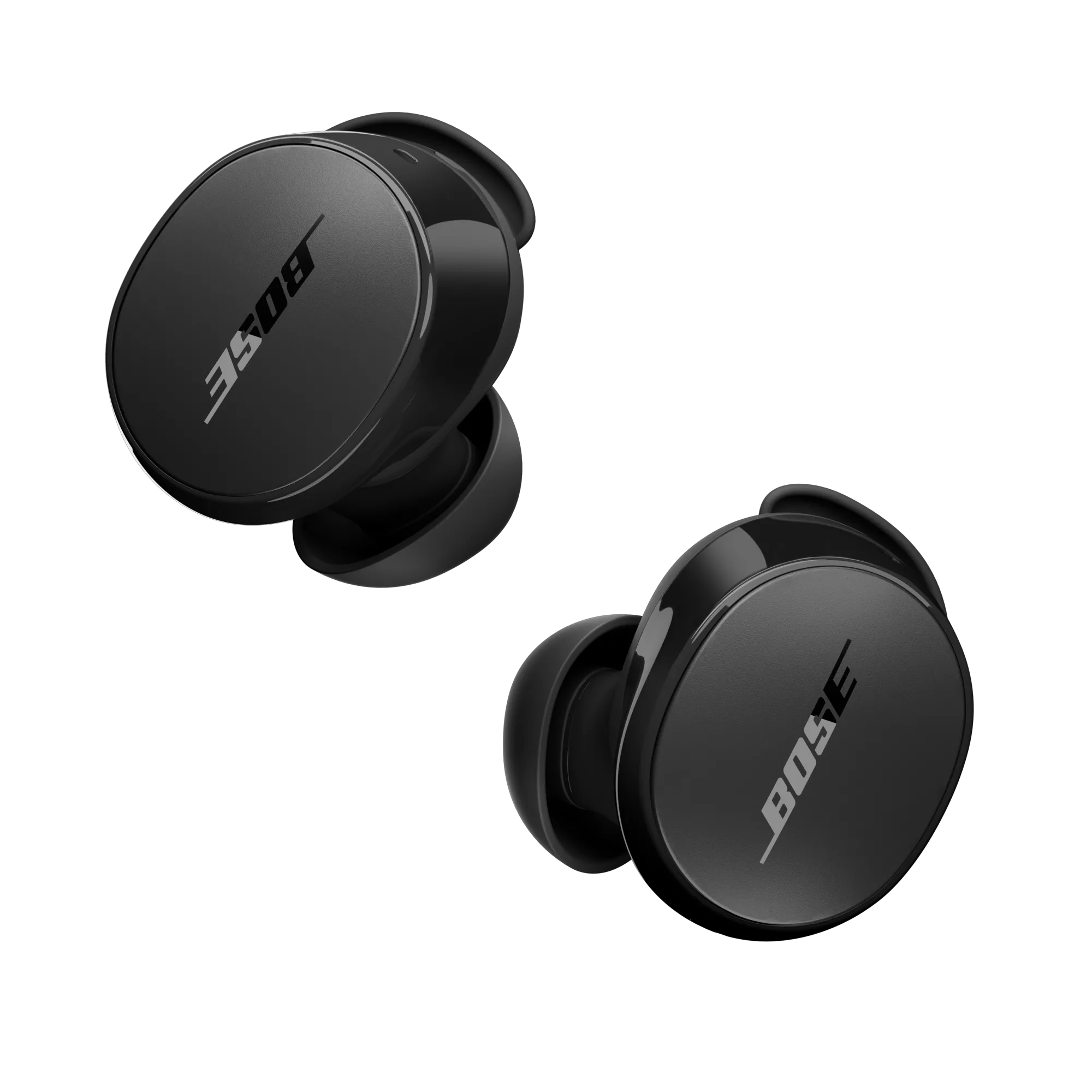
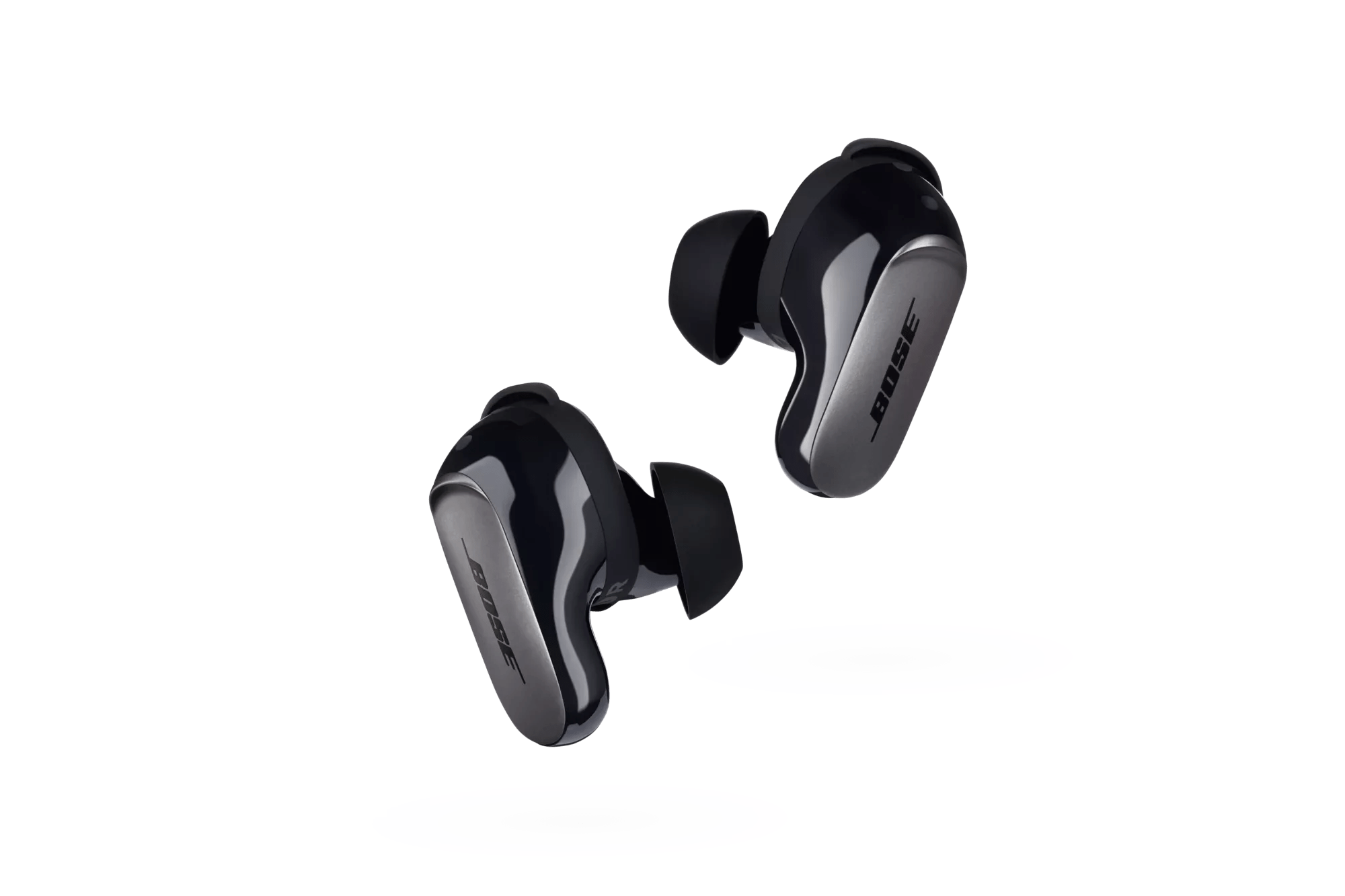
- QuietComfort Earbuds: Use the charging case reset or the app for a guided factory restore.
Always check the model label inside the earcup or in the box. If you aren’t sure, try the soft reset and the Bluetooth forget step first.
Troubleshooting after a reset
A reset usually helps. If problems persist, try these steps next.
- Reboot the source device (phone, laptop, tablet) and update its Bluetooth drivers or OS.
- Test with another device to rule out phone-specific issues.
- Perform a full battery cycle: fully charge then fully drain one time to recalibrate.
- Check for firmware updates in the Bose app after a reset. Firmware can fix persistent bugs.
- If you still have issues, contact Bose support or an authorized service center.
These steps complement what you learned about how to reset Bose QuietComfort headphones and help you confirm the fix.

Personal experience, tips, and mistakes to avoid
I’ve reset my own QuietComfort headphones dozens of times. Here are practical tips from that experience.
- Tip: Always forget the device on your phone before a factory reset. It avoids stale pairing problems.
- Tip: Keep the Bose app installed. The app often shows firmware fixes you need after a reset.
- Mistake to avoid: Don’t reset while firmware is updating. Interrupting an update can brick the device.
- Tip: Note custom equalizer or ANC settings first. A factory reset will remove them.
These are real lessons I learned while helping friends and clients with how to reset Bose QuietComfort headphones.
src="https://assets.bosecreative.com/transform/cb1dd364-6339-43bb-958b-4e2d8087dec6/QCEBII_RT_DynamicAngle_CMYK"
alt="Frequently Asked Questions of how to reset bose quietcomfort headphones”
style=”max-width: 100%; height: auto; border: 2px solid black; border-radius: 10px; display: block; margin: 0 auto;”
loading=”lazy”
/>
Frequently Asked Questions of how to reset bose quietcomfort headphones
How long does a factory reset take for Bose QuietComfort headphones?
A factory reset usually takes 10–30 seconds for the device to clear settings. Pairing the headphones again may take a few minutes.
Will resetting my QuietComfort headphones delete my firmware updates?
No. A reset clears settings and paired devices but usually does not remove firmware updates. Firmware stays unless you perform a special rollback.
My headphones still won’t connect after reset. What next?
Try forgetting the device on your phone and rebooting the phone. Then re-pair, and check for firmware updates via the Bose app.
Can I reset QuietComfort earbuds without the app?
Yes. Many earbuds can be reset using the charging case and a button press sequence. Check the model-specific steps or try closing and opening the case plus a long button hold.
Does a reset fix Bluetooth dropouts and audio stutter?
Often yes. Resetting removes bad pairings and restores defaults, which fixes many Bluetooth dropouts and stutter issues. If problems persist, test with other devices and update firmware.
Conclusion
Resetting your Bose QuietComfort headphones is a fast, effective step to fix pairing problems, audio glitches, and unresponsive controls. Start with soft resets and Bluetooth forgets, then use the factory-reset option or app-based reset if needed. Back up or note your custom settings before a factory reset, and always check firmware afterward. Try these steps now to restore clear sound and reliable pairing, and leave a comment with your model and issue if you want tailored help.