Can I Use My Own Modem And Router With Spectrum: Setup
Yes. Spectrum customers in the United States can generally use their own modem and Wi-Fi router, as long as the modem is approved for the Spectrum service and the equipment meets the plan’s technical needs.
Spectrum usually provides a compatible modem with its internet service. You may choose to replace that modem with a customer-owned model. You can also use your own router to manage Wi-Fi, parental controls, port settings, and your home network.
The main trade-off is support. Spectrum can help with the internet connection up to the modem, but it may provide limited help for a personally owned modem or router. Spectrum Voice customers may also need Spectrum-provided equipment.
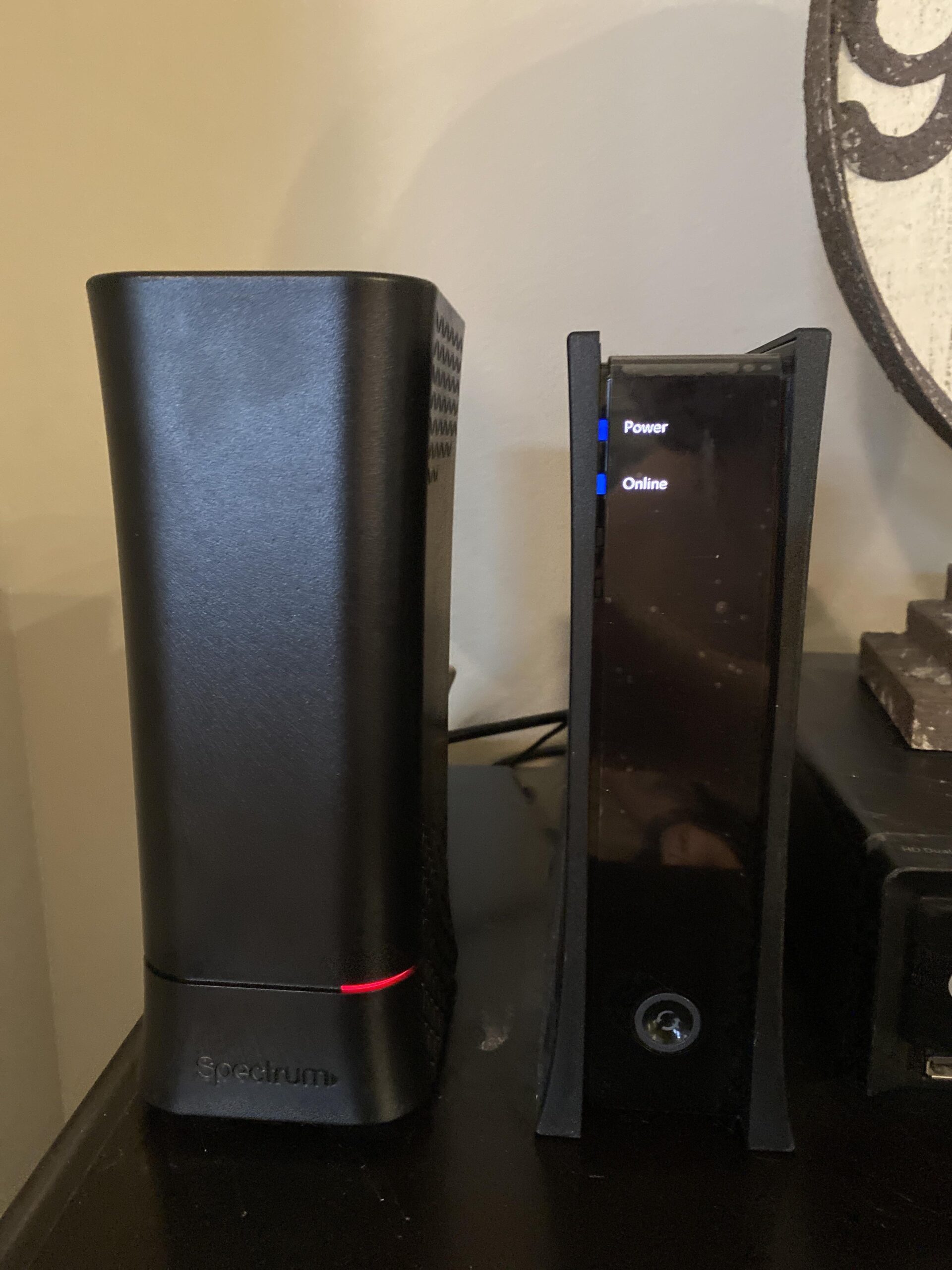
What Equipment Do You Need for Spectrum Internet?
A Spectrum home network normally has three parts:
- Cable line: The coaxial cable from the wall connects to the modem.
- Modem: The modem links your home to the Spectrum network.
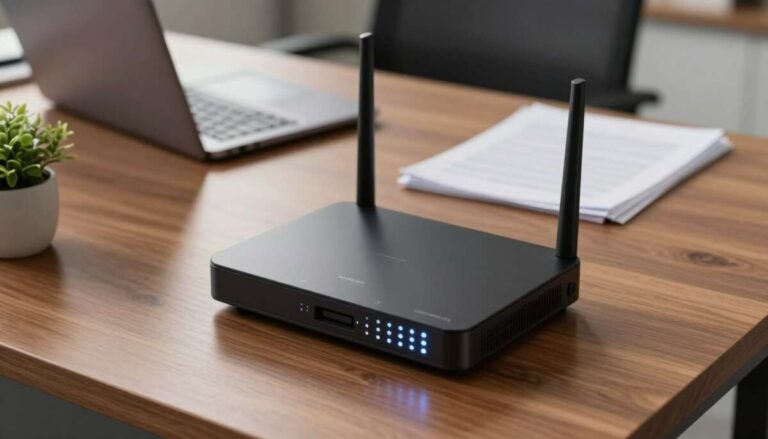
- Router: The router creates your home Wi-Fi network and connects wired devices.
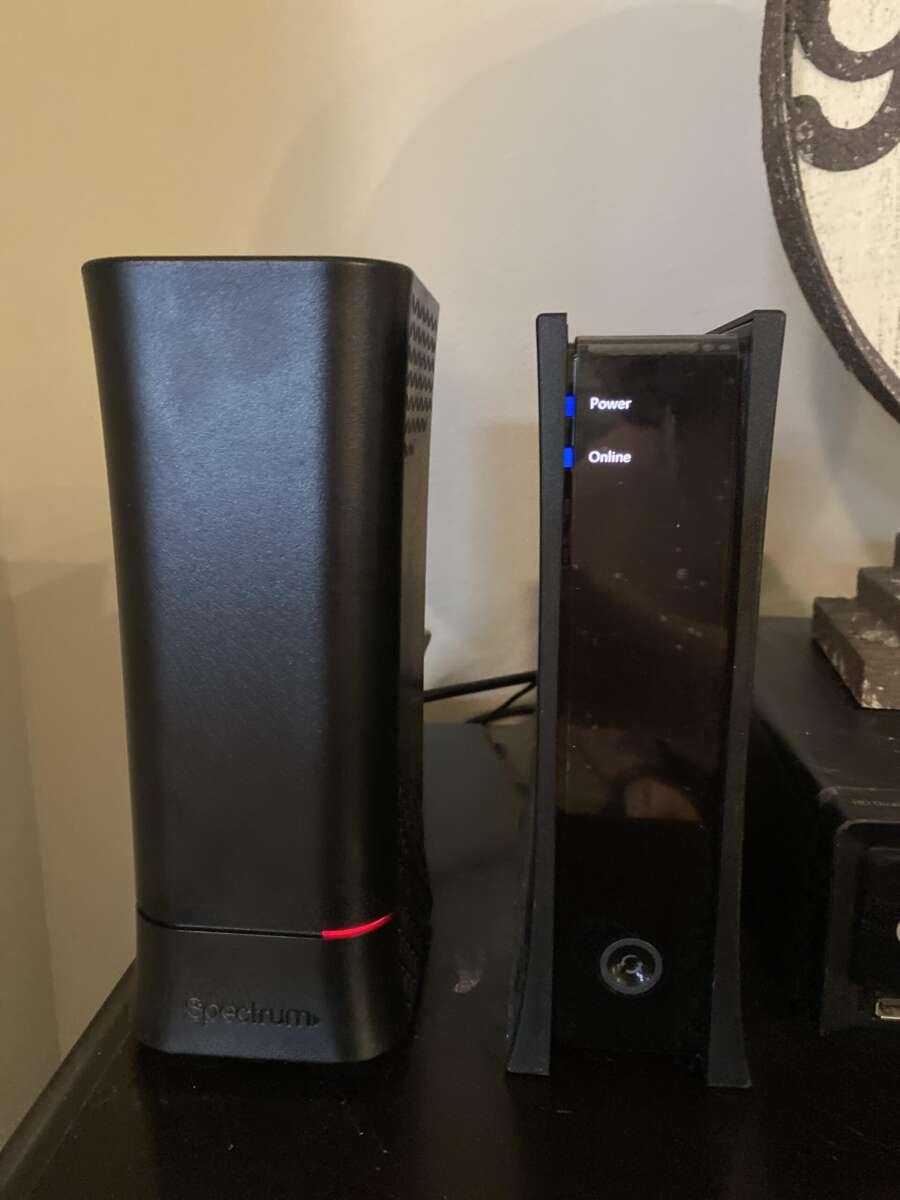
Some devices combine the modem and router in one box. This is called a gateway. A separate modem and router often give you more control and make future upgrades easier.
Modem vs. router
A modem and a router do different jobs.
| Device | Main job | Connects to |
|---|---|---|
| Modem | Connects your home to Spectrum | Coaxial cable |
| Router | Creates Wi-Fi and manages your home network | Modem by Ethernet |
| Gateway | Combines both functions | Coaxial cable and Wi-Fi devices |
A Wi-Fi router cannot replace a cable modem. If you use a separate router, you still need a modem that works with Spectrum.
What does “Spectrum-compatible modem” mean?
A compatible modem can communicate with Spectrum’s cable network and support the speed tier you pay for. Compatibility depends on more than the modem’s advertised download speed.
Spectrum may consider:
- The modem’s DOCSIS version
- The exact hardware model
- The modem’s firmware
- The service tier
- The modem’s downstream and upstream channel support
- Whether the device supports Spectrum’s network configuration
A modem that works with one cable company may not work with Spectrum. Check Spectrum’s official approved equipment list before buying.

Is It Better to Use Your Own Modem and Router?
Using your own equipment can be useful if you want more control, stronger Wi-Fi features, or a specific network setup. However, Spectrum-provided equipment is often simpler because it is already approved and supported.
Benefits of using your own equipment
Your own modem and router may offer:
- More control over Wi-Fi settings
- Better coverage in a large home
- advanced parental controls
- Custom DNS settings
- Better traffic management
- Support for mesh Wi-Fi
- More control over device access
- The ability to replace only one device when needed
A separate router may also work better if the Spectrum modem is placed in a central location but the supplied Wi-Fi equipment does not cover the whole home.
Possible drawbacks
Customer-owned equipment also has limits:
- You must confirm compatibility before buying.
- You are responsible for setup and replacement.
- Spectrum may not troubleshoot every router setting.
- A modem firmware issue may require help from the manufacturer.
- Some advanced Spectrum services may require Spectrum equipment.
- Equipment purchased for another provider may not be approved.
Spectrum’s included modem can be the easier choice for customers who want a simple setup and one support contact.
Will using my own modem lower my Spectrum bill?
Do not assume that it will. Spectrum’s equipment policies and Wi-Fi charges can vary by plan, promotion, account type, and service area. In many cases, the modem is included with internet service, while router or advanced Wi-Fi features may be handled separately.
Check your current bill and ask Spectrum what changes, if any, apply when you use customer-owned equipment. The cost of a modem and router may take a long time to recover if using your own equipment does not remove a monthly charge.

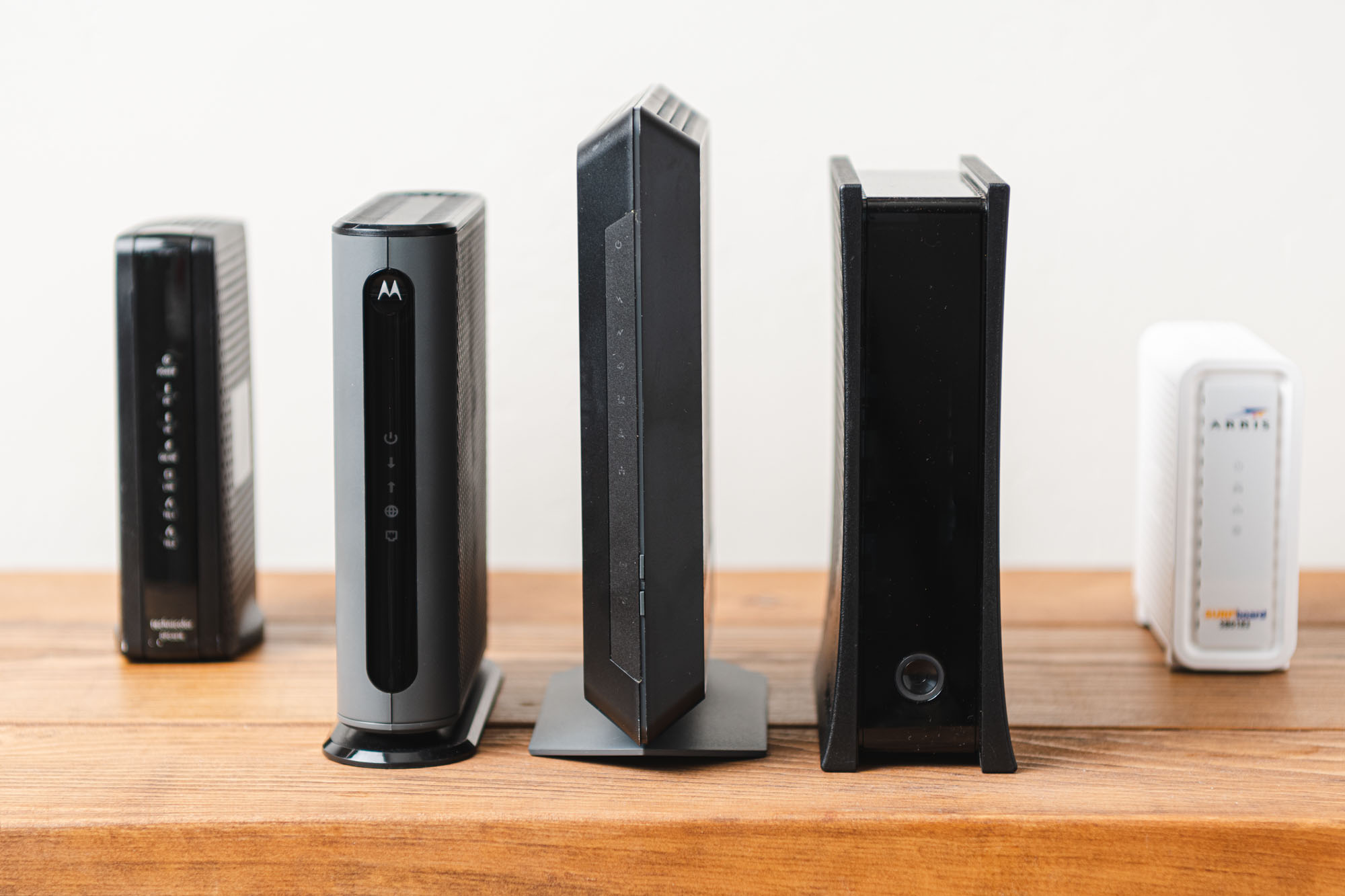
How to Choose a Modem for Spectrum
The safest choice is a modem that appears on Spectrum’s current approved modem list and supports your service level.
1. Check the exact model
Do not rely only on the brand name. A manufacturer may sell several versions of the same modem. One model may be approved while another is not.
Compare the exact model number on:
- Spectrum’s approved modem list
- The modem’s product label
- The manufacturer’s support page
- The retailer’s product listing
Avoid buying a modem described only as “works with cable internet.” That phrase does not prove Spectrum compatibility.
2. Prefer a current DOCSIS modem
DOCSIS is the cable standard used by the modem to communicate with the provider’s network. A newer DOCSIS modem is usually a better long-term choice than an older model, but the approved list remains the deciding factor.
A DOCSIS 3.1 modem is commonly used for modern cable internet plans. It is not automatically compatible with every provider or every Spectrum service. Approval and plan support still matter.
3. Match the modem to your speed tier
A modem must support more than your advertised download speed in a laboratory setting. It also needs enough channel capacity and suitable Ethernet hardware for the plan.
For example:
- A basic plan may work well with a standard Gigabit Ethernet port.
- A plan above 1 Gbps may need a modem with a 2.5 Gigabit Ethernet port.
- A high-speed plan may also require a compatible router and network device.
- Wi-Fi speed depends on the router and client device, not just the modem.
The slowest major part of the connection sets the practical limit. A fast modem connected to an old router can still produce slow Wi-Fi.
4. Check whether you have Spectrum Voice
Spectrum Voice uses telephone service delivered through the cable network. Voice service may require a Spectrum-provided modem or telephone adapter.
If you subscribe to Spectrum Voice, ask Spectrum whether the exact customer-owned modem supports your voice service before disconnecting the supplied equipment. A regular internet-only modem may not include the phone hardware needed for landline service.
5. Avoid used equipment with an unknown history
A used modem can work, but it may still be linked to another customer’s account. It may also have outdated firmware, damage, or a model number that Spectrum no longer accepts.
If you buy used equipment:
- Confirm the exact model first.
- Ask the seller to remove it from the old account.
- Keep the receipt.
- Check the return policy.
- Do not buy a modem listed as stolen or account-locked.
How to Choose a Router for Spectrum
Spectrum generally connects to a customer-owned router through Ethernet. The router does not need to be branded by Spectrum, but it should match your home’s size, devices, and speed plan.
Look for these router features
Choose a router with:
- A Gigabit Ethernet WAN port for plans up to 1 Gbps
- A 2.5 Gigabit WAN port for faster-than-Gigabit service
- Wi-Fi 6 or newer if you have many current devices
- Automatic firmware updates
- WPA3 security support
- Guest network controls
- Parental controls if needed
- Mesh support if your home has weak areas
Wi-Fi 6 or Wi-Fi 7 does not guarantee faster internet. Your phone, laptop, distance from the router, walls, interference, and Spectrum plan all affect results.
Should you use a mesh system?
A mesh system can help when one router cannot cover the whole home. It uses two or more nodes to spread Wi-Fi across different rooms.
Mesh may be useful in:
- Larger homes
- Multi-story homes
- Homes with thick walls
- Homes where the modem must stay near an outside cable entry
- Areas with weak signal at the far end of the house
Place the main mesh unit near the modem. Place additional units where they still receive a strong signal from the main unit. A node placed in a dead zone may simply repeat a weak connection.
Can you use your own router with a Spectrum modem?
Yes. This is often the simplest custom setup. Leave the Spectrum modem in place and connect your router’s WAN or Internet port to the modem’s Ethernet port.
If Spectrum provides a gateway with built-in Wi-Fi, ask whether it can be placed in bridge mode or whether its router function can be disabled. Using two active routers can create double NAT, which may affect gaming, VPNs, port forwarding, and some smart-home devices.

How to Set Up Your Own Modem and Router With Spectrum
Prepare the equipment before disconnecting your existing modem. You will need a compatible modem, a router, a coaxial cable, Ethernet cable, and access to your Spectrum account.
Step 1: Confirm compatibility
Check the exact modem model against Spectrum’s current approved modem information. Also confirm that it supports your internet speed and any voice service on the account.
Do this before opening the box. A return is easier when the equipment is still in its original condition.
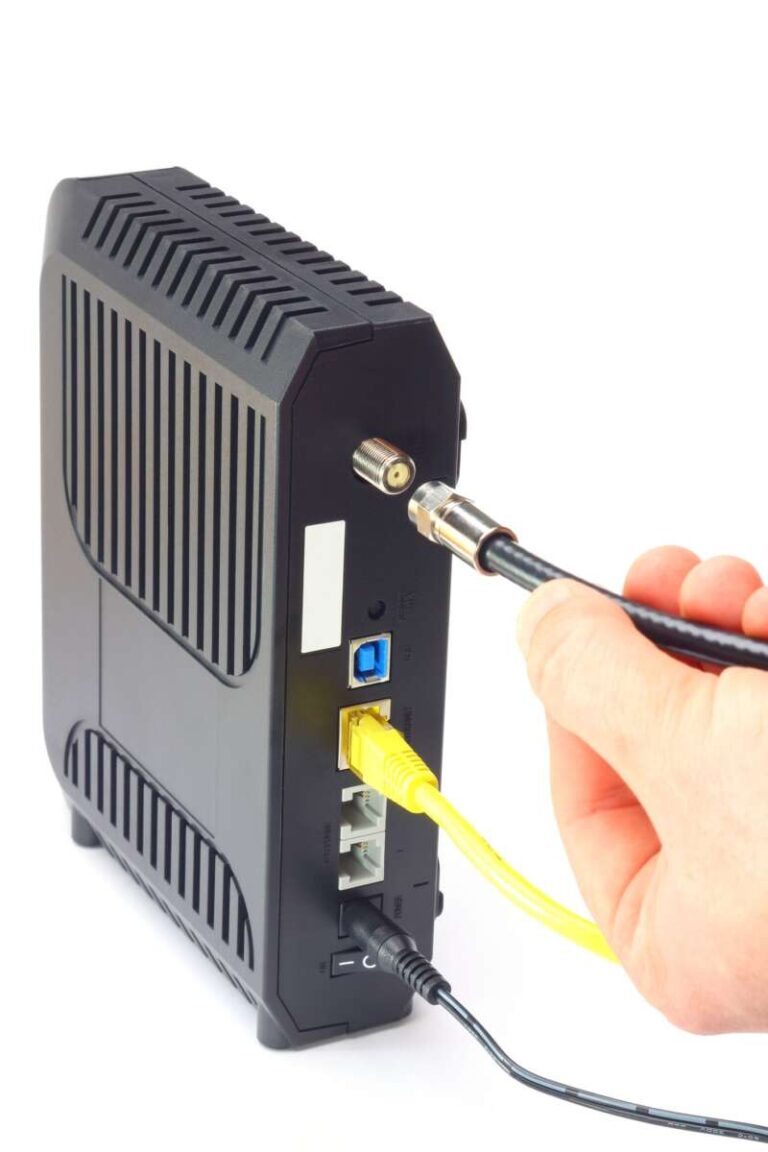
Step 2: Connect the modem
Follow this order:
- Disconnect power from the old modem.
- Connect the coaxial cable to the new modem.
- Tighten the coax connector by hand.
- Connect the modem’s power adapter.
- Wait for the modem to start.
- Connect an Ethernet cable from the modem to the router’s WAN or Internet port.
The modem may take several minutes to connect to the Spectrum network. Do not unplug it during a firmware update or activation process.
Step 3: Activate the modem
Use Spectrum’s activation instructions through the Spectrum website or My Spectrum app. You may need:
- Your Spectrum account login
- The modem’s MAC address
- The modem’s serial number
- The service address
- A phone or computer connected to the new equipment
The MAC address is often printed on a label on the modem. Enter the characters carefully. A single wrong character can prevent activation.
Step 4: Set up the router
Open the router’s app or web interface and complete the setup. Use these basic settings unless Spectrum or the router maker gives different instructions:
- Internet connection type: Automatic IP or DHCP
- Wi-Fi security: WPA2 or WPA3
- Router administrator password: A unique password
- Wi-Fi password: A strong password that is different from the administrator password
- Network name: A name that does not reveal your address or personal details
Do not use the default administrator password. Anyone who gains access to the router’s management page could change your network settings.
Step 5: Test the connection
First, test a computer connected directly to the router by Ethernet. Then test Wi-Fi in the same room and in the areas where you usually use the internet.
Check:
- Whether websites load
- Whether the router shows an internet connection
- Whether the speed is close to the expected range
- Whether video calls remain stable
- Whether all major devices reconnect
A speed test is most useful when run over Ethernet or close to the router. A low Wi-Fi result in a distant room does not always mean the Spectrum line is slow.
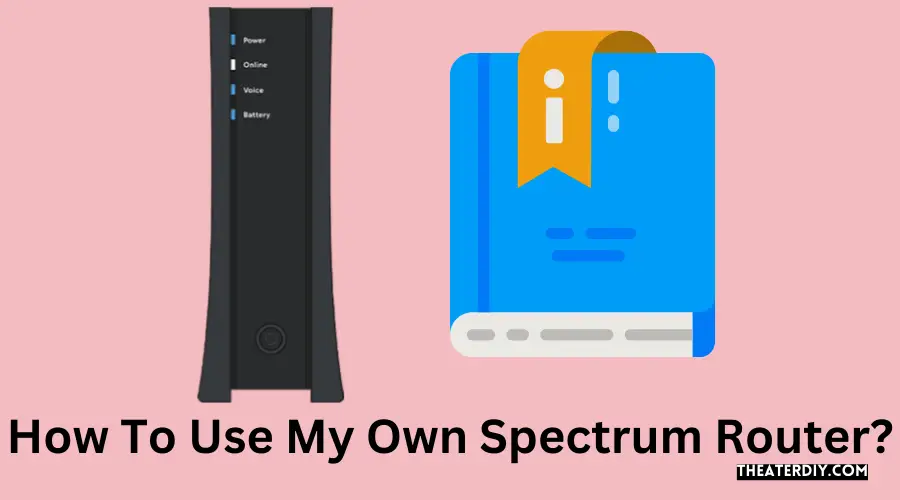
What to Do If Your Own Modem Will Not Work
The most common causes are an unapproved modem, an incorrect MAC address, incomplete activation, or a coaxial signal problem.
Use this order to troubleshoot:
1. Check the cables
Make sure:
- The coaxial cable is connected to the modem’s cable port.
- The Ethernet cable runs from the modem to the router’s WAN port.
- The power adapters match the correct devices.
- The coax connector is snug but not damaged.
- The router is not connected to a LAN port by mistake.
2. Restart the network in the correct order
- Unplug the router.
- Unplug the modem.
- Wait about two minutes.
- Plug in the modem.
- Wait until the modem finishes connecting.
- Plug in the router.
- Wait for the router to receive an internet connection.
Restarting the router before the modem has connected can leave the router without a usable internet address.
3. Confirm activation details
Check the modem’s label and compare its MAC address with the information submitted during activation. If the wrong modem is listed on the account, Spectrum may need to update the equipment record.
4. Test without the router
Connect a computer directly to the modem only for troubleshooting. Restart the modem after changing the connected device.
If the computer works directly but the router does not, the issue is likely in the router setup. If the computer also fails, the issue may involve activation, the modem, the coaxial signal, or the Spectrum account.
Reconnect the router after testing. A computer connected directly to a modem is not a safe permanent home-network setup because it lacks the router’s normal network protection.
5. Contact the right support team
Contact Spectrum when:
- The modem is approved but will not activate.
- The modem shows no cable connection.
- The service address has a line or signal problem.
- Your account lists the wrong equipment.
- Spectrum Voice stops working.
Contact the modem or router manufacturer when:
- The device’s setup app fails.
- The router’s Wi-Fi settings are confusing.
- Firmware will not update.
- A router feature does not work as described.

Spectrum Modem and Router Options Compared
The best setup depends on how much control you want and how much troubleshooting you are willing to handle.
| Setup | Best for | Main advantage | Main limitation |
|---|---|---|---|
| Spectrum modem and Spectrum router | Simple setup | One provider handles most equipment | Less control over advanced settings |
| Spectrum modem and your router | Custom Wi-Fi | Easy modem support with better router features | Possible bridge-mode or double-NAT concerns |
| Your modem and your router | Full control | You manage both devices | You handle compatibility and troubleshooting |
| Your modem and mesh Wi-Fi | Larger homes | Better whole-home coverage | More equipment and setup work |
| Gateway from another provider | Usually not recommended | May already be available | Often not approved by Spectrum |
For many households, using the Spectrum modem with a personal router is a practical middle option. You get a personally managed Wi-Fi network without replacing the part most directly tied to Spectrum’s cable service.
If you want the fewest setup problems, keep Spectrum’s equipment. If you need advanced controls or better coverage, use your own router. Replace the modem only after confirming compatibility and checking whether the savings justify the purchase.

Common Mistakes to Avoid
Buying based only on speed
A modem that says “supports 2 Gbps” may still lack approval for your provider or plan. Check the exact model, not just the speed claim.
Confusing Wi-Fi speed with internet speed
The number printed on a router box is a theoretical wireless link rate. It is not a promise that your Spectrum connection will reach that speed.
Using the wrong Ethernet port
Connect the modem to the router’s WAN or Internet port. LAN ports are for devices inside your home network.
Leaving two routers active
If both the Spectrum gateway and your personal router perform routing, you may create double NAT. This can cause problems with online games, remote access, VPNs, and port forwarding.
Forgetting Spectrum Voice
An internet modem may not support Spectrum telephone service. Confirm voice compatibility before returning Spectrum equipment.
Changing advanced settings too soon
Start with automatic IP or DHCP. Change DNS, IPv6, port forwarding, or bridge settings only when you have a clear reason and understand the effect.
Keeping insecure default settings
Change the router administrator password, use modern Wi-Fi security, and install firmware updates. Avoid sharing the administrator password with guests.
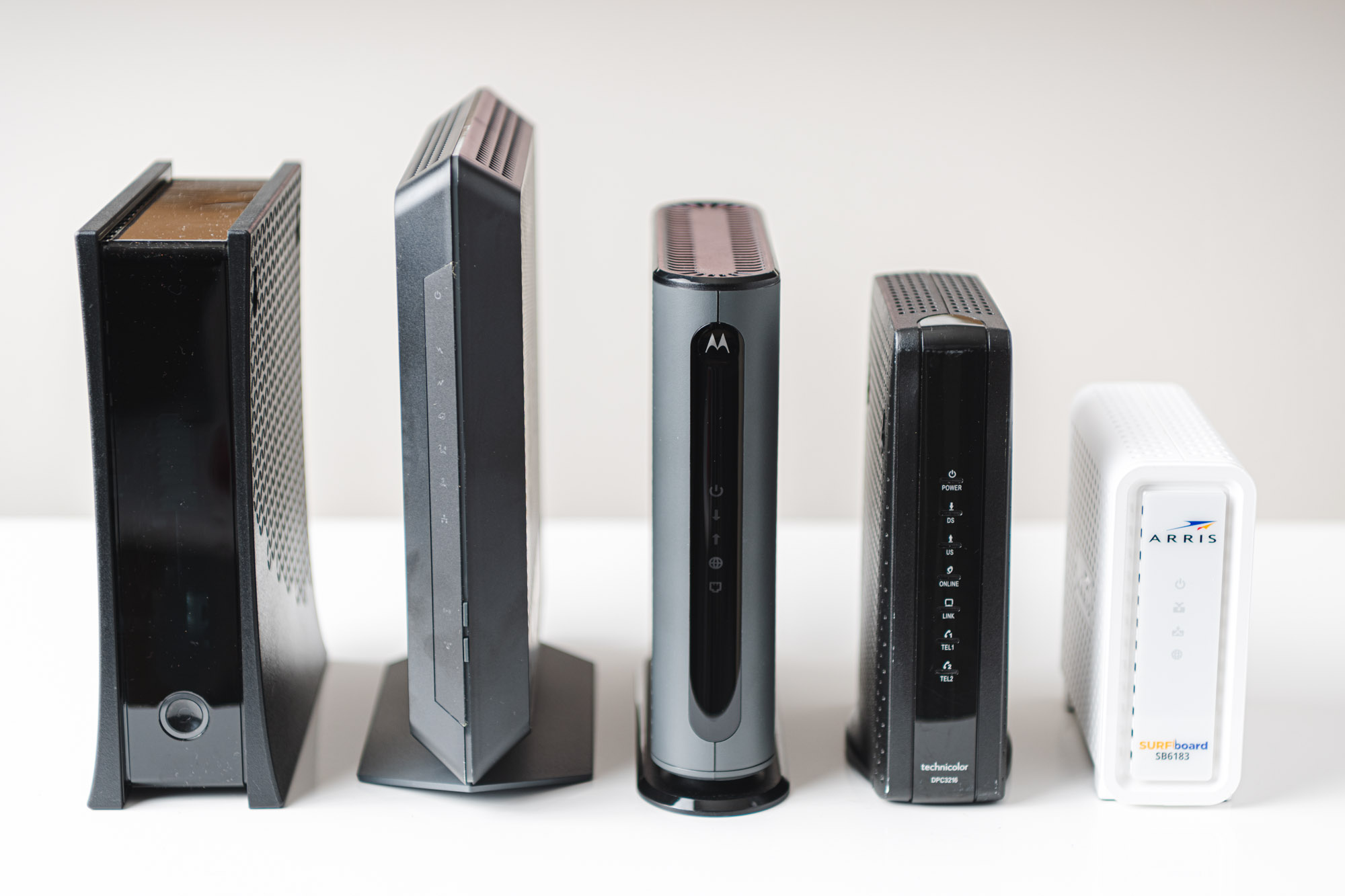
Frequently Asked Questions
Can I use any modem with Spectrum?
No. The modem must be approved for Spectrum and suitable for your service tier. Check the current Spectrum compatibility information before buying.
Can I use my own router with a Spectrum modem?
Yes. Connect your router’s WAN or Internet port to the Spectrum modem with an Ethernet cable. If the Spectrum device is also a router, ask whether its routing function should be disabled.
Does Spectrum charge for using its modem?
Spectrum’s equipment charges depend on the service, account, promotion, and location. Review your bill and confirm the current policy with Spectrum rather than assuming that a customer-owned modem will reduce the monthly cost.
Do I need a modem if I use a mesh Wi-Fi system?
Yes. A mesh Wi-Fi system normally replaces the router, not the cable modem. You still need a Spectrum-compatible modem or Spectrum-provided modem.
Can I use my own modem with Spectrum Voice?
Possibly, but do not assume so. Spectrum Voice may require a compatible voice modem or Spectrum equipment. Confirm the exact model and service combination before making the switch.
Will Spectrum support my personal router?
Spectrum can usually help determine whether the internet service reaches the modem. Router setup, Wi-Fi coverage, firmware, and custom network settings may need support from the router manufacturer.
How do I know whether the problem is the modem or the router?
Test a computer directly with the modem after restarting the modem. If direct service works, the router or its settings are the likely cause. If direct service fails, check activation, modem compatibility, cables, and the Spectrum line.
Final Recommendation
You can use your own modem and router with Spectrum in the United States, but compatibility is the deciding factor. Verify the modem’s exact model, match it to your service tier, and check whether you use Spectrum Voice.
For the least hassle, use the Spectrum modem and add your own router. For maximum control, use an approved customer-owned modem with a separate router. Activate the modem first, configure the router with automatic IP or DHCP, and test the connection by Ethernet before judging Wi-Fi performance.
Check Spectrum’s current support pages and your account terms before purchasing equipment, because approved models, equipment policies, and plan features can change.
Official Sources to Check
- Spectrum Internet Support
- Spectrum Compatible Modems
- Spectrum Self-Installation Support
- Spectrum Voice Support

Tech Writer & Electronics Enthusiast
Mason Blake is a technology writer and electronics enthusiast at My Electro Hubs. He creates easy-to-follow product reviews, buying guides, troubleshooting tips, and practical tech solutions to help readers make smarter electronics choices