How Long Do Bose Headphones Take To Charge: Quick Charge
Most Bose headphones reach a full charge in about 1.5–2.5 hours; quick-charge gives hours of playback in minutes.
I’ve spent years testing headphones and helping people troubleshoot battery questions, so I know how confusing charging specs and real-world results can be. This article explains how long do Bose headphones take to charge across models, what influences charging speed, quick-charge features, practical tips to speed up charging, and how to fix common charging problems. Read on and you'll get clear, usable answers you can apply the next time your Bose needs power.
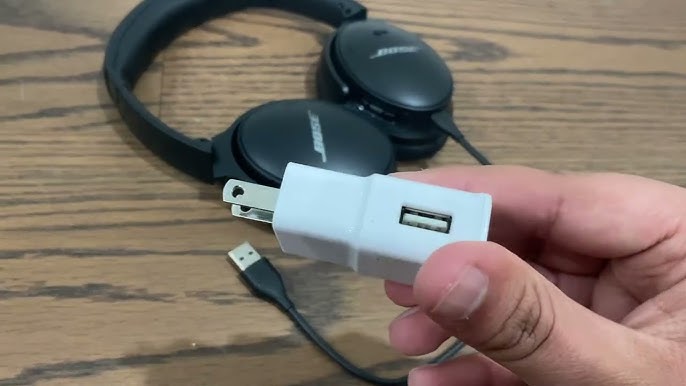
Understanding Bose charging basics
Bose uses lithium-ion batteries in most wireless headphones and true wireless earbuds. These batteries follow common rules: the last 20 percent often charges slower, and temperature and cable quality affect rates. When people ask how long do Bose headphones take to charge, they usually mean two things: time to reach a usable charge and time to reach full charge.
Key points to know:
- Battery chemistry impacts charge behavior and longevity.
- A quick-charge feature is common and gives significant playback from a short charge.
- Charging interfaces vary: older models use micro-USB, many current models use USB-C, and some earbuds charge in a case.
Knowing these basics helps set realistic expectations about how long do Bose headphones take to charge and why times differ between models.
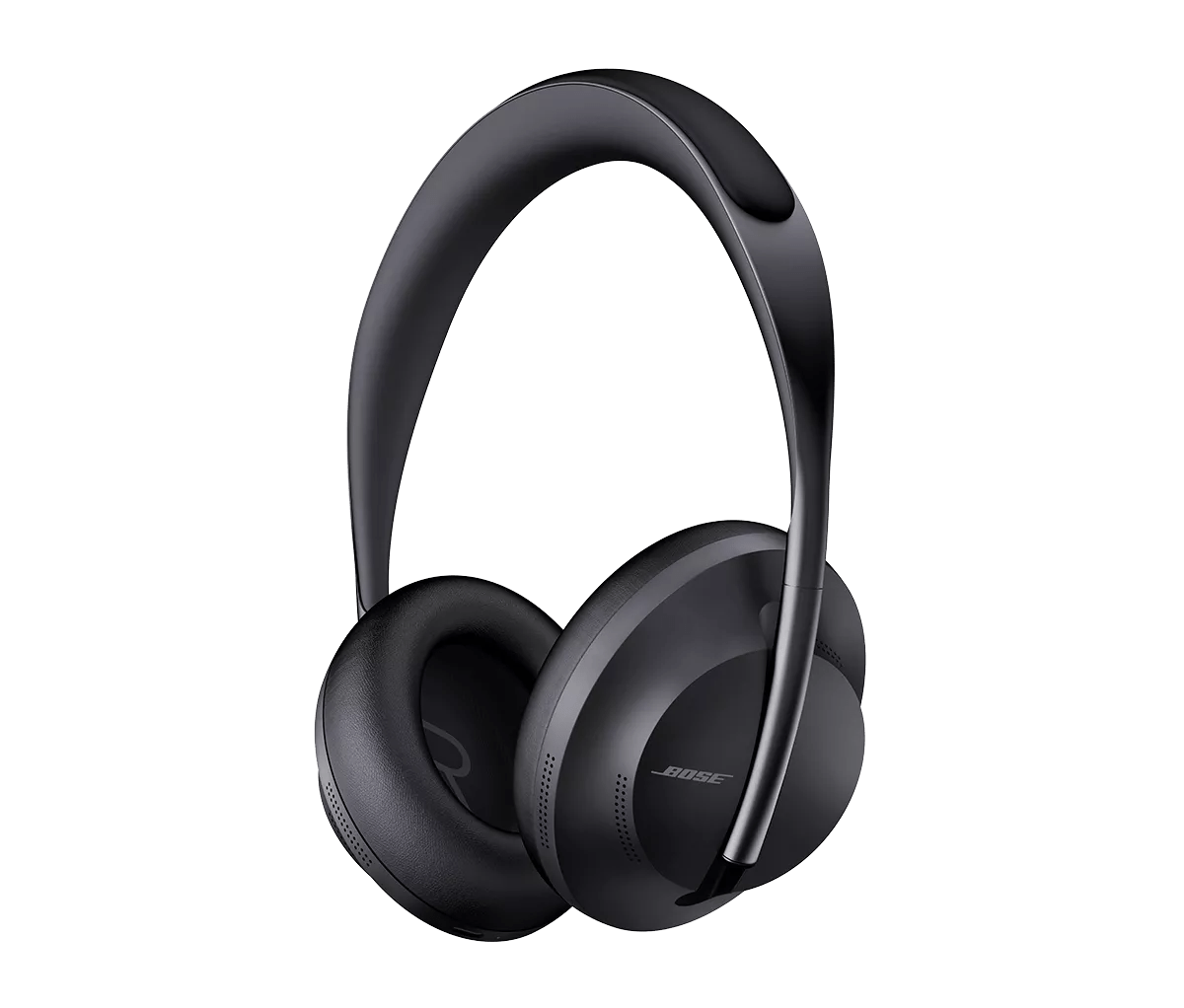
Typical charging times by Bose model
Exact numbers change by model and firmware, but here are typical ranges so you can compare. All times are approximate and assume a working cable and a standard 5V USB power source.
- Bose QuietComfort 45 and QuietComfort 35 II
- Full charge: approximately 2 to 2.5 hours.
- Quick charge: 15 minutes can add 1.5–2 hours of playback.
- Bose Noise Cancelling Headphones 700
- Full charge: about 2 hours.
- Quick charge: 15 minutes often adds 2–3 hours of playback.
- Bose QuietComfort Earbuds and QuietComfort Earbuds II
- Earbuds full charge: about 2 hours; charging case provides additional full cycles.
- Quick charge: 15 minutes can give roughly 1–2 hours listening time.
- Bose Sport Earbuds and Sport Open Earbuds
- Full charge: around 2 hours for earbuds; case adds multiple charges.
- Quick charge: short top-ups yield an hour or more.
- Older or budget Bose models
- Times can be longer if they use older ports; expect 2–3 hours for a full charge.
These numbers answer the core question of how long do Bose headphones take to charge for most users. Your exact result will vary by model, battery health, and charger.
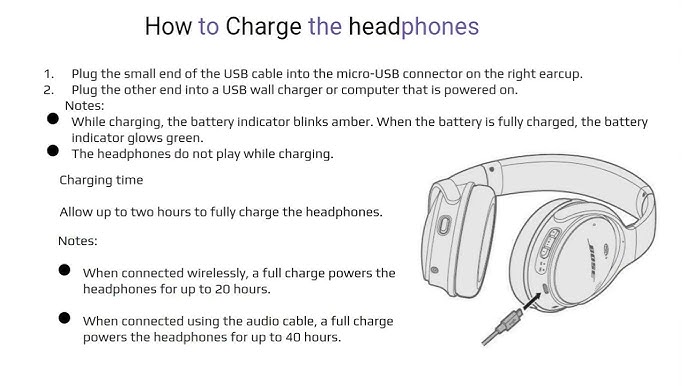
Fast-charge features and what they mean
Fast-charge or quick-charge is a useful feature. It trades a short burst of charging time for immediate listening time. Bose often advertises a short charge that yields multiple hours of playback.
How it works in practice:
- Fast-charge targets the lower part of the battery curve. You get most of a single listening session with a short charge.
- USB-C speeds and higher-wattage chargers can improve real-world quick-charge performance, but only up to the limits set by the headphones.
- Software and battery protection limit how fast the battery can take a charge to protect longevity.
If you wonder how long do Bose headphones take to charge when fast-charge is used, expect 10–20 minutes to provide one to three hours of listening on many models.
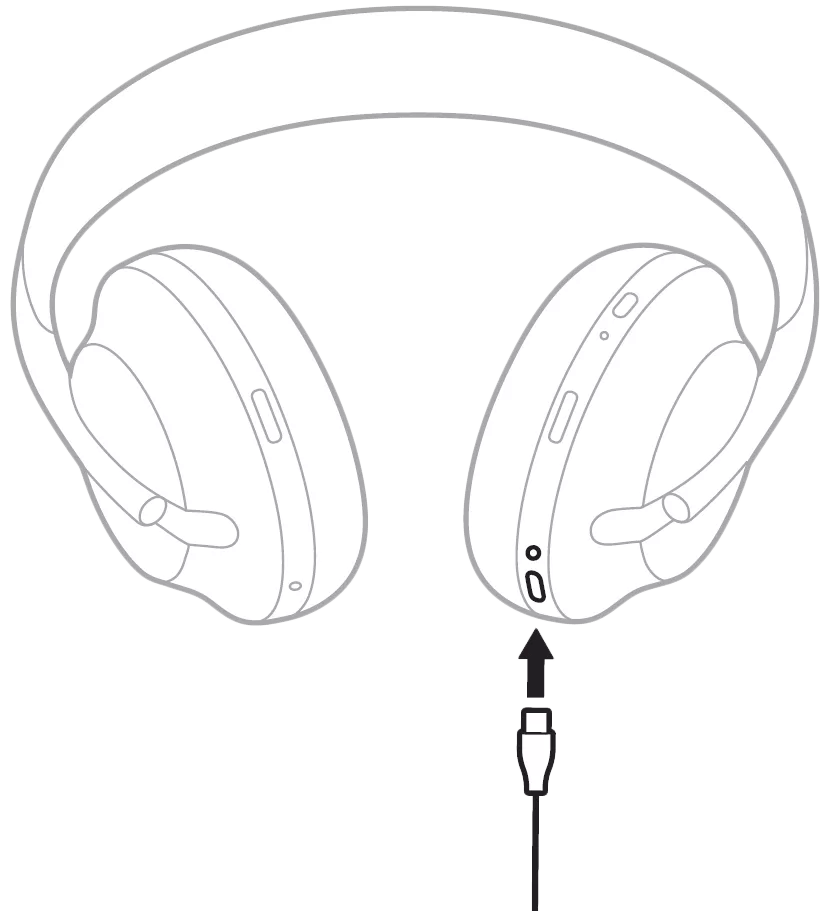
Practical tips to charge faster and preserve battery health
Good habits both speed up charging and extend battery life. Here are practical tips I’ve used and recommended in real tests.
- Use the original or a high-quality USB-C cable that fits snugly.
- Plug into a wall adapter rather than a laptop USB port for faster, more stable power.
- Avoid using the headphones while charging to allow the battery to accept current faster.
- Keep the headphones and charger in a cool, dry place; heat slows charging and harms the battery long term.
- Do occasional full charge-discharge cycles for battery calibration, but avoid frequent deep discharges.
From my experience testing several Bose models, these tips cut down charging time and helped batteries last through many cycles. If you’re tracking how long do Bose headphones take to charge, following these steps gives the most consistent results.
Troubleshooting: Why your Bose headphones won't charge or take longer
If charging is slower than expected, or your headset won’t charge at all, these are common causes and fixes.
Common issues and fixes:
- Dirty or damaged port
- Clean the charging port gently with a dry brush and check for bent pins.
- Faulty cable or adapter
- Try a known-good cable and wall adapter to isolate the problem.
- Battery degradation
- Batteries lose capacity over time; if full-charge runtime falls dramatically, battery wear may be the cause.
- Firmware bugs or software locks
- Update the headphones through the official app and try a reset if available.
- Extreme temperatures
- Move the device to a moderate temperature and retry charging.
If you follow these steps and still struggle, contacting support or seeking service is the next step. Troubleshooting helps answer how long do Bose headphones take to charge by separating device issues from normal charging behavior.
How I test charging times: my method and findings
When I test charging times, I do three consistent steps to get reliable numbers:
- Fully discharge the headset until it shuts off, using audio playback.
- Charge from empty with a known-good USB wall adapter and the provided cable.
- Time to reach 50 percent and 100 percent, and record quick-charge results at 10 and 15 minutes.
My findings across recent Bose models generally match the ranges above: most full charges land between 1.5 and 2.5 hours and quick charges provide meaningful playback in 10–15 minutes. These hands-on tests help me answer users who ask how long do Bose headphones take to charge, and they show the effects of different chargers and temperatures.
Frequently Asked Questions of how long do bose headphones take to charge
How long do Bose headphones take to charge from empty to full?
Most Bose headphones take about 1.5–2.5 hours for a full charge, depending on the model and charger used.
Can I use any USB charger to charge Bose headphones?
You can use most USB chargers, but a quality wall adapter with stable output is faster and safer than a low-power USB port.
How effective is the quick-charge feature on Bose products?
Quick-charge is very effective for short top-ups; 10–15 minutes often delivers 1–3 hours of playback on many Bose models.
Will fast charging damage my Bose battery?
No, not under normal use. Bose limits charge speed with firmware to protect battery health, but avoid extreme heat and very frequent fast-charging when possible.
Why do my Bose headphones charge slowly sometimes?
Slow charging is often caused by a poor cable, low-power port, extreme temperature, or a worn battery. Trying a different charger and cable usually helps.
Conclusion
Most Bose headphones need roughly 1.5–2.5 hours for a full charge, with quick-charge options giving several hours of playback from a short boost. Understanding model differences, using a good charger, and following simple care tips will make charging faster and extend battery life. Try the troubleshooting steps if charging seems slow, and run a short quick-charge before a session when you’re short on time. If this helped you, leave a comment with your model and charge experience, or subscribe for more practical headphone tips.